Applications represent your online content, products or services. Examples of applications include:
-
An academic database
-
A publishing imprint
-
A website holding a collection of resources
Applications can be of two types:
-
OpenID Connect applications, built on OpenAthens Keystone
-
SAML applications, built on existing SAML entity metadata generated by third-party software such as Shibboleth. By adding these applications to your dashboard, you can manage your existing SAML entities in the OpenAthens Federation
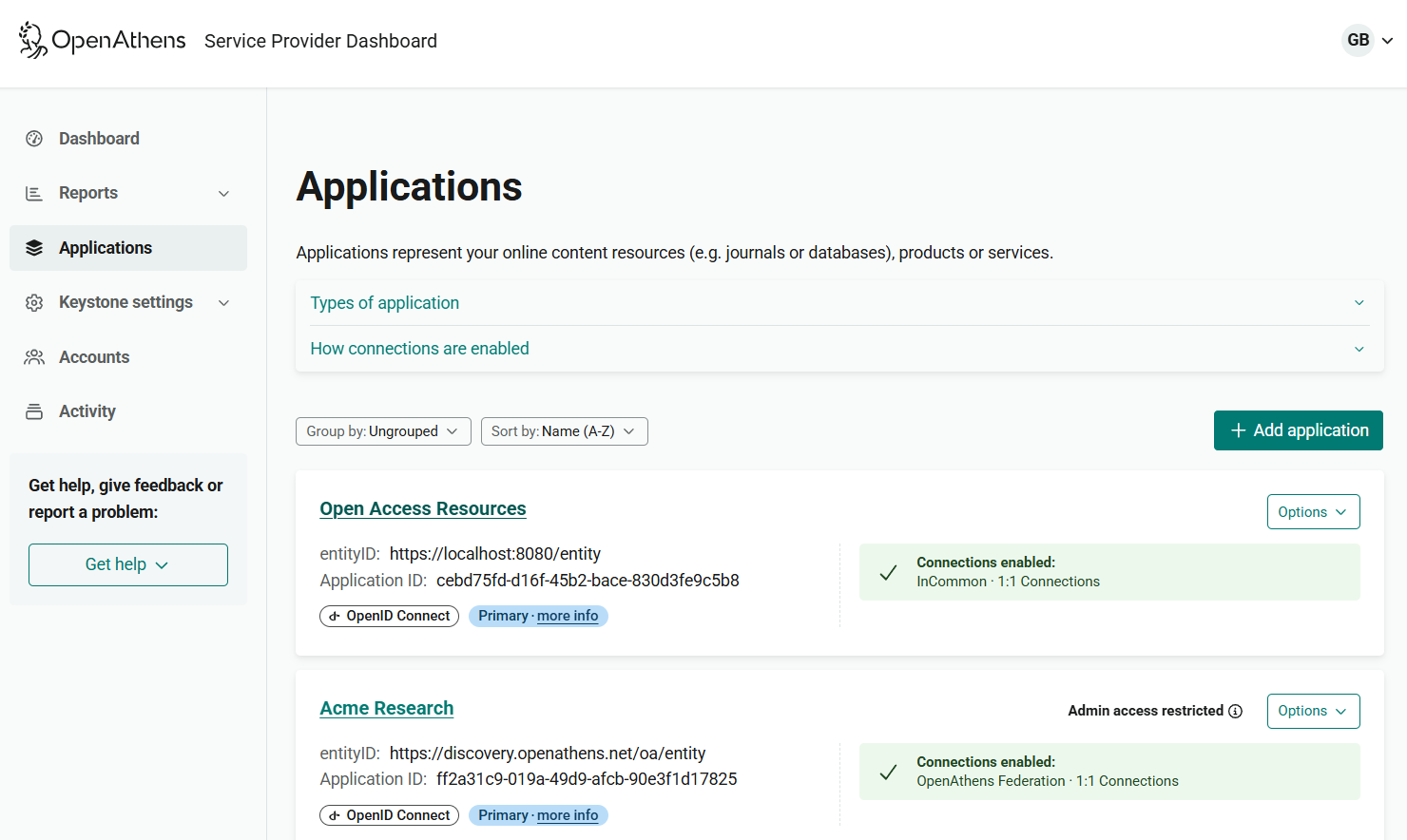
The Applications page displays a list of your current applications along with key details about each one.
You can group or sort the applications by a range of criteria.
You will see only applications that you have permission to access.
Application details
Each application is shown as a “card”, giving the following information:
OpenID Connect applications
-
Name of the application
-
entityID
-
Application ID
-
The type of application (for Keystone customers only, whose dashboard supports both types)
-
If this application is the primary one for its Keystone connection
-
If the application is orphaned (not linked to a current Keystone connection)
-
Connection status and to what the application is connected: the OpenAthens Federation, other federations, and/or 1:1 (bilateral) connections
-
If access to administer the application is restricted to specific users
SAML applications
-
Name of the application
-
entityID
-
The type of application (for Keystone customers only, whose dashboard supports both types)
-
If the application is published
-
Connection status for the OpenAthens Federation
-
If access to administer the application is restricted to specific users
Examples


Group applications
As well as viewing applications as an alphabetical list, you can group them by type and connection.
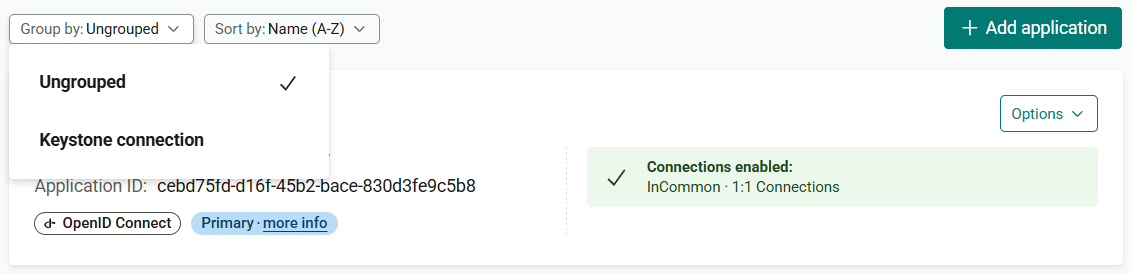
From Group by, select how you want to view the list:
-
Ungrouped: View all applications as an alphabetical list (the default)
-
Keystone connection: View all OpenID Connect applications, grouped by the connection that they use, followed by SAML applications
Once you make your selection, the display updates automatically.
Sort applications
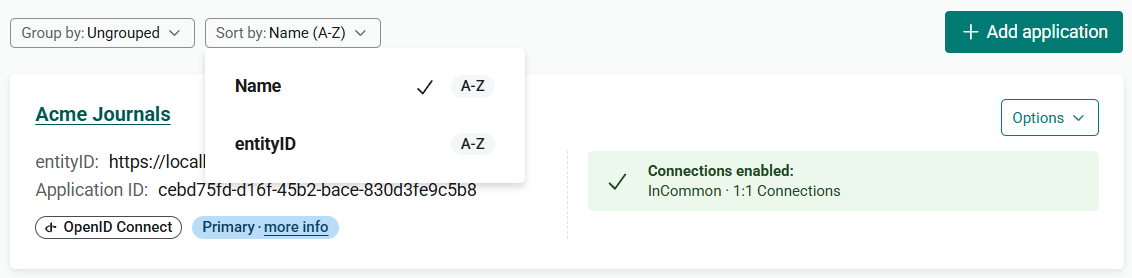
You can sort the list of applications either alphabetically by name (the default) or alphabetically by entityID.
To change the sort order, choose your preferred option from the Sort by menu. The list updates automatically.