
This guide will help you configure OCLC WMS to use the OpenAthens Redirector.
While our service desk will always try to be helpful, they can only support the OpenAthens end. Information was correct at the time of writing.
Prerequisites
-
Access to your WorldShare admin pages
-
Access to the OpenAthens administration area at the domain level
Method
Look up your redirector prefix
-
Log in to OpenAthens Compass as the domain administrator.
-
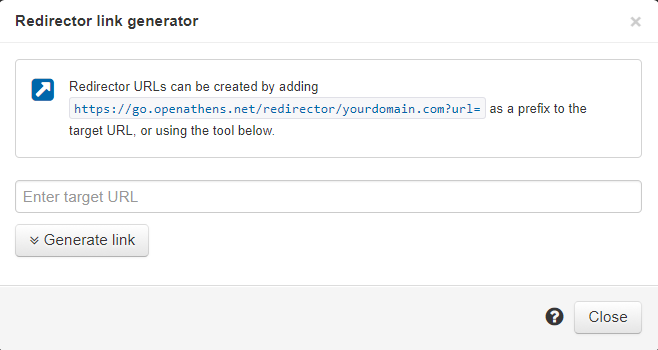
Go to Resources > Redirector link generator. A pop-up window opens.
-
Copy the redirector prefix displayed in the information box. This is the part that looks like https://go.openathens.net/redirector/yourdomain.com?url=.
Add your Redirector prefix to WorldShare
Once you have the prefix, add it to WorldShare as a proxy server. Although the redirector is not a proxy, we can use WorldShare’s proxy access function to insert the redirector prefix so that the redirector works for compatible resources.
For details, see the WorldShare documentation Integrate OpenAthens proxy with the WorldCat Knowledge Base.