To delete a 1:1 connection, you must have access to the Keystone connection linked to the 1:1 connection and to all of its associated applications.
-
Go to Keystone settings > 1:1 connections.
-
Find the entity you want to delete in the list.
-
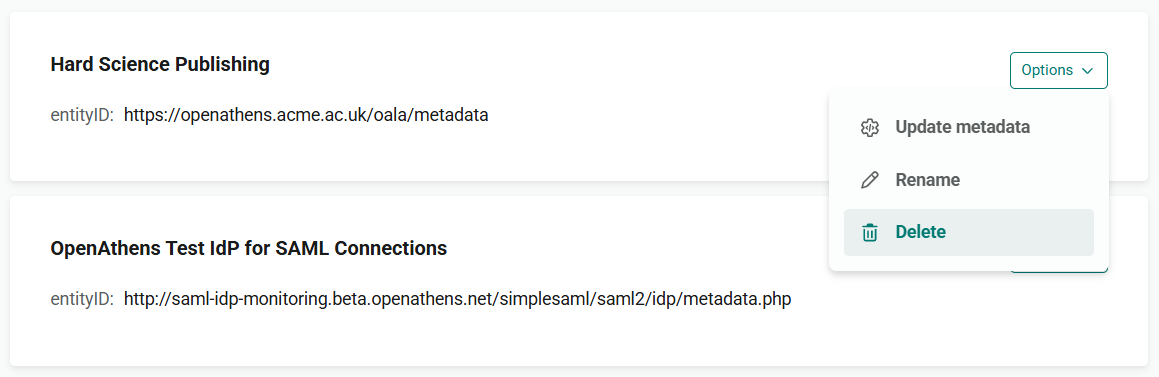
From the Options menu, select Delete.
-
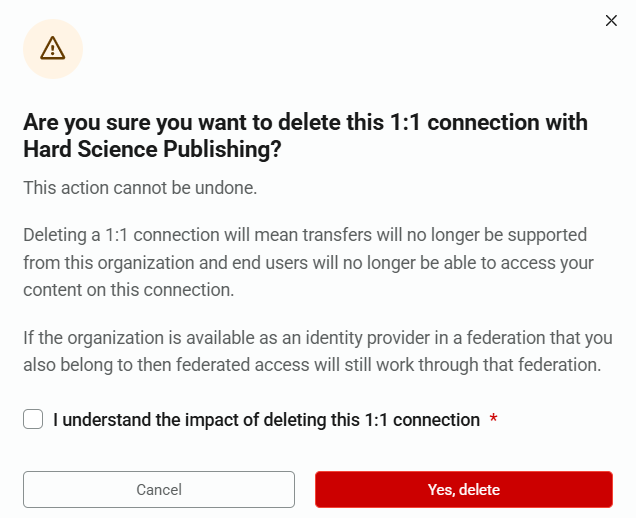
You are asked to confirm this action before the connection is deleted. To proceed, tick I understand the impact of deleting this 1:1 connection and press Yes, delete.