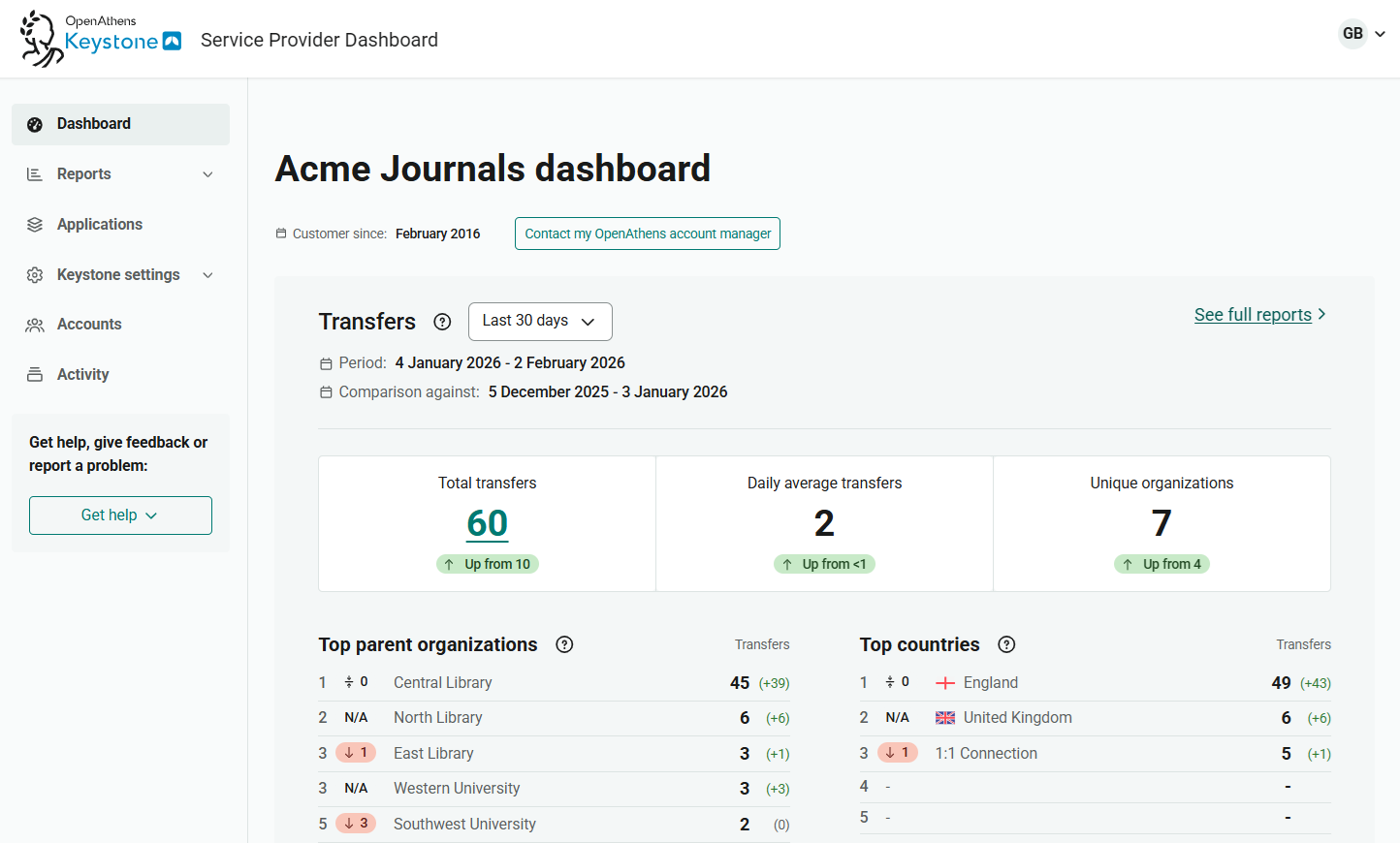
If you've inherited responsibility, these pages will help you understand what does what in the dashboard.
The service provider dashboard has two main roles:
-
Manage applications in the OpenAthens Federation
-
Configure OpenAthens applications such as Keystone
These functions are split over a handful of tabs on the left of the page:
Dashboard
The homepage
Reports
View transfer stats from the OpenAthens federation and, for Keystone, any other federations it is in
Applications
Add and configure applications
Keystone settings (Keystone customers only)
Manage Keystone connections, 1:1 connections and attribute mapping rules
Accounts
Manage admin accounts
Activity
Audit recent activity in the dashboard