If your local connector has the Default status, your users will be transferred to your local login page as soon as we know that they are yours. This is almost always the desired behaviour and is why your connector is set as default.
From time to time, you might need to issue or use an OpenAthens account alongside this method, e.g. for testing or a temporary user who isn't in your local directory. If this happens, the temporary user just needs to sign in to OpenAthens before going to any resources.
If you use LDAP or Sirsi as your local system
This doesn't affect you - both your local accounts and OpenAthens accounts use the same login point.
If you use any other system (e.g. Azure, Google, CAS, ADFS, API, SAML)
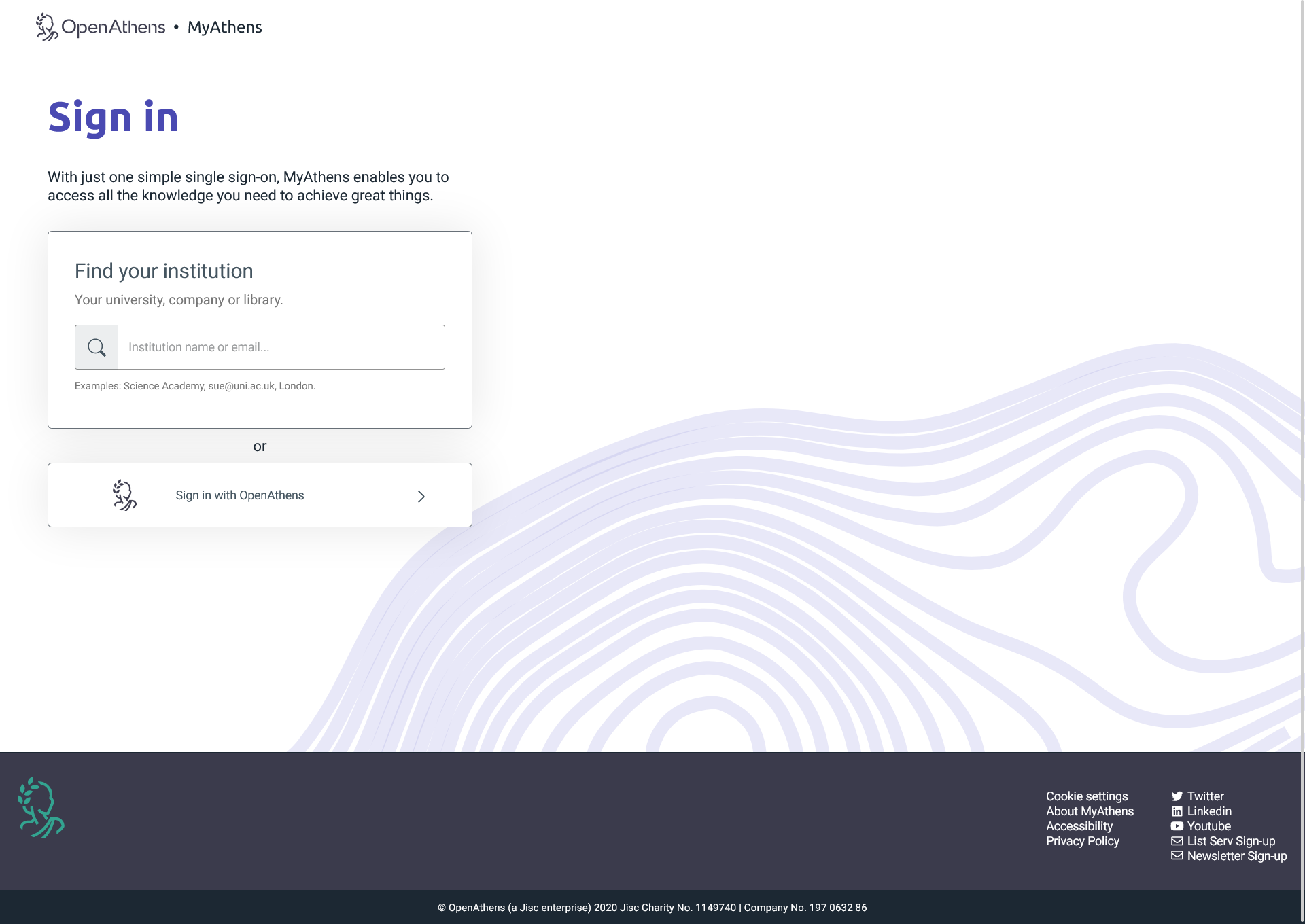
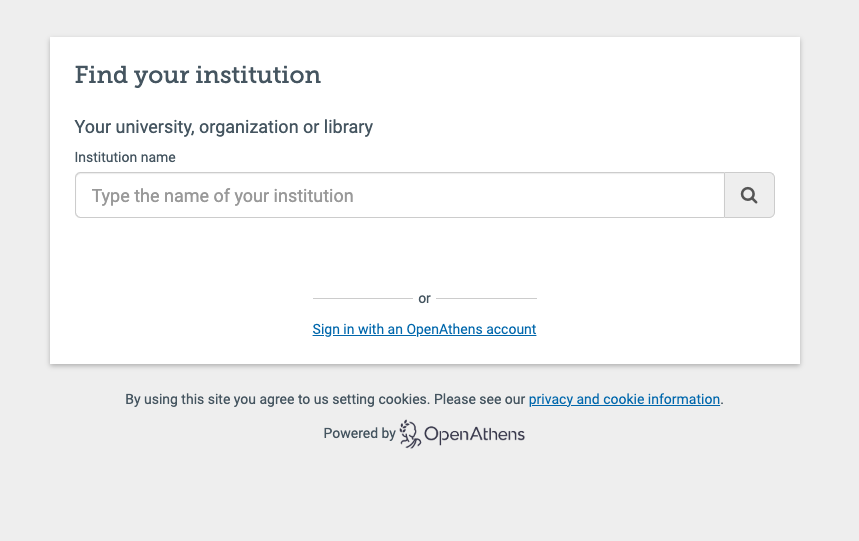
Your users will need to log in through a non-specific authentication point. To do this, the best place to start is MyAthens, where they can choose to sign in through the OpenAthens search box to get a login where they can use their OpenAthens account.