Skip table of contents

How to send end-users to a webpage after activation

When an end-user follows an activation link they can choose their own password. This is usually the end of their journey, however there is a facility for you to specify a web address to forward them on to once they have set the password - perhaps to your library information page or portal.

To enable this, you need to update your domain preferences:

  1. Go to Preferences > Domain and find the after account activation section

  2. Add a URL

  3. Save

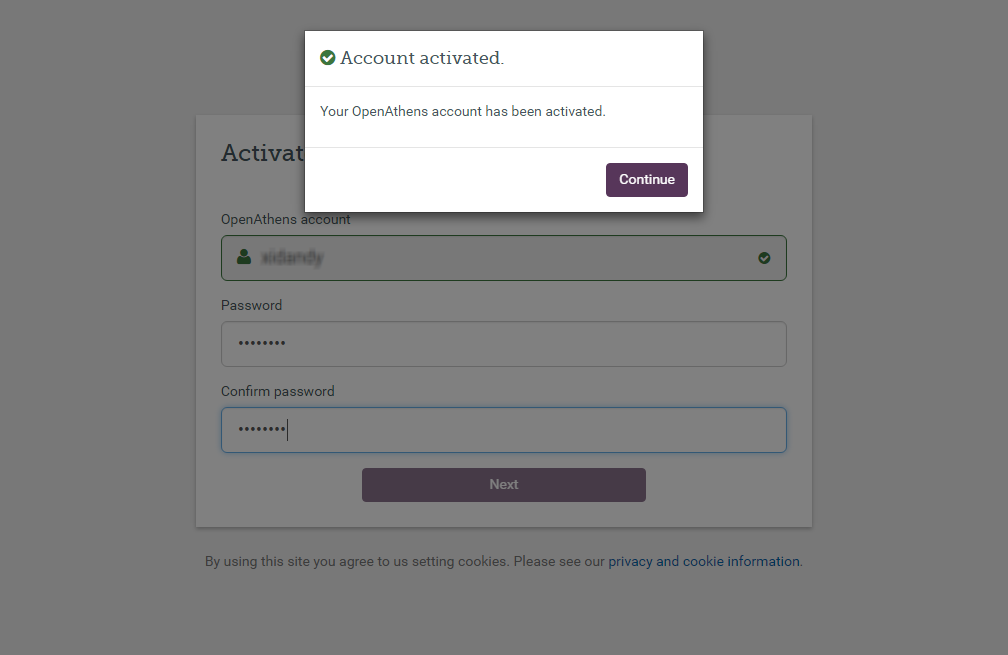
Now when an end-user activates their account they will see a continue button in the success dialogue and this button will take them to the address you specified.

See also:
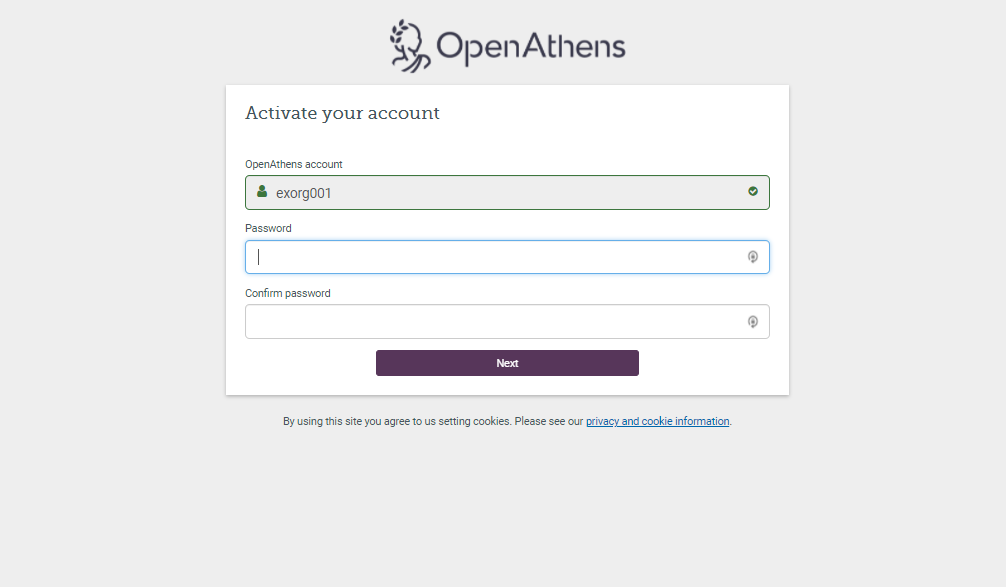
Screen that shows the OpenAthens logo and the heading 'Activate your account'. It has three input fields, 'OpenAthens account', 'Password' and 'Confirm password'. Following these fields is a button marked 'Next'.
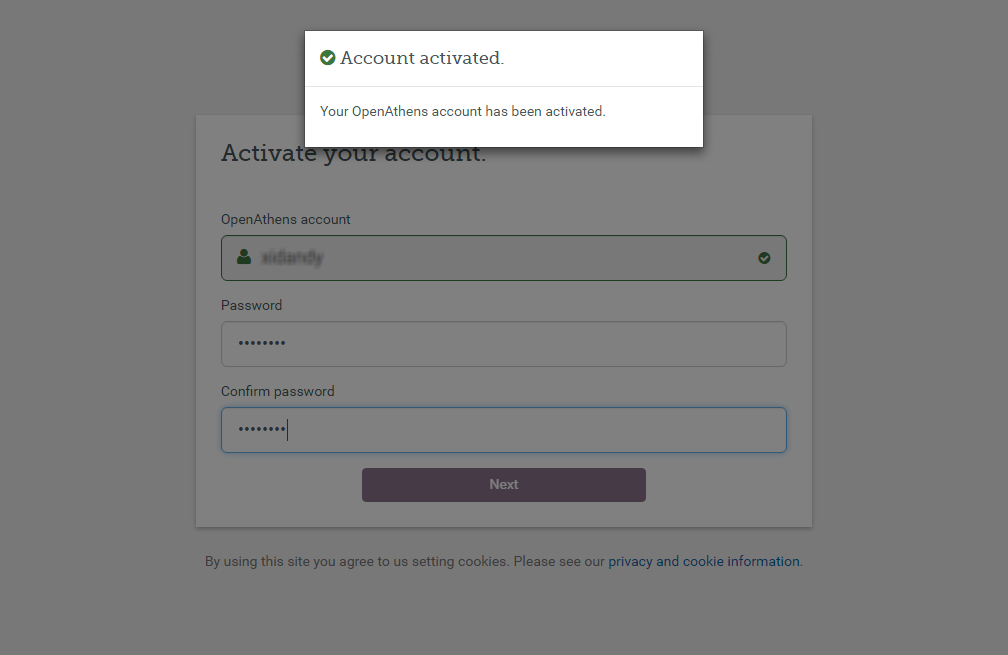
Overlay, displayed on top of the previous activation screen, which reads 'Your OpenAthens account has been activated.'
Overlay, displayed on top of the activation screen, which reads 'Your OpenAthens account has been activated'. There is also a button marked 'Continue'.

JavaScript errors detected

Please note, these errors can depend on your browser setup.

If this problem persists, please contact our support.